Category: Uncategorized

  • Google Search Console vs Google Analytics Explained

    Google Search Console vs Google Analytics Explained

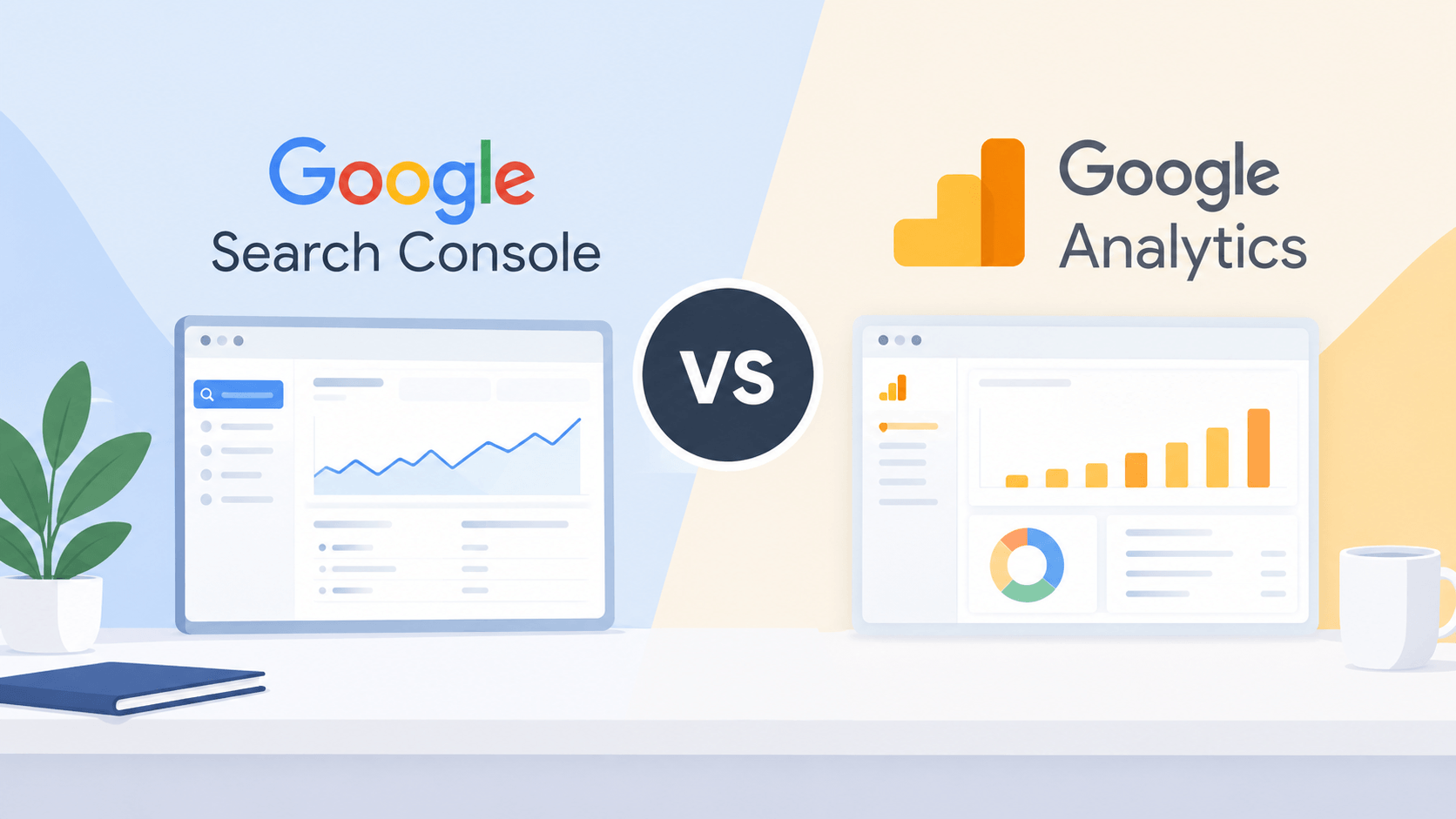
    Both Google Search Console and Google Analytics serve as valuable resources for those managing their own websites as well as those in SEO and marketing jobs. Both applications do track website performance but they do it in different ways.

    With the help of Google Search Console you’ll learn how well your website is performing on Google Search in terms of search queries, number of impressions, number of clicks, and possible indexing problems. Google Analytics on the other hand will help you know how the users interact with your website, including where they came from, how actively they are engaged on your site, their number of conversions, etc.

    Understanding the differences between both Google Search Console and Google Analytics will aid you to develop a better SEO strategy and attract more visitors to your website.

    Google Search Console vs Google Analytics: Comparison Table

    FeatureGoogle Search ConsoleGoogle Analytics
    Primary purposeMonitor Google Search performanceAnalyze website traffic and user behavior
    Main focusSearch visibility and SEOUser engagement and conversions
    TracksClicks, impressions, CTR, and average positionUsers, sessions, engagement, and conversions
    Keyword dataProvides Google Search queriesDoes not provide the same detailed organic search query data
    Indexing reportsYesNo
    Traffic sourcesFocuses on Google Search performanceTracks multiple traffic sources
    User behaviorLimited information about on-site behaviorDetailed website interaction reports
    Conversion trackingNo general website conversion reportingYes, through configured events and key events
    Best forSEO professionals and website ownersDigital marketers, analysts, and business owners

    Pros and Cons of Google Search Console

    The Google Search Console is a free solution provided by Google that allows corporations to monitor, maintain, and fix their website’s position in search engine results. It enables users to determine how their website performs in searches, as well as identify whether there are any issues with its technical SEO.

    Pros of Google Search Console

    • Tracks SEO performance: Monitor clicks, impressions, click-through rate (CTR), and average search position.
    • Provides search query data: Discover the queries that bring users to your website through Google Search.
    • Identifies indexing issues: Check whether Google can index your pages and investigate indexing problems.
    • Monitors Core Web Vitals: Review available reports about page experience and loading performance.
    • Helps improve content: Identify pages with high impressions but low CTR to find opportunities for better titles and meta descriptions.
    • Free to use: Access essential search performance and technical SEO reports without paying for the tool.

    Cons of Google Search Console

    • Limited user behavior data: It does not provide detailed information about what visitors do after landing on your website.
    • No comprehensive conversion tracking: It cannot replace an analytics platform for measuring website conversions and business outcomes.
    • Data limitations: Search query reports may omit some queries for privacy and other reporting reasons.
    • Reporting delays: Search performance data is not always available in real time.
    • Google Search focus: Its search performance reports primarily cover Google Search and do not provide a complete view of traffic from every search engine.
    • Requires verification: You need to verify ownership or obtain appropriate access to view a website’s data.

    Pros and Cons of Google Analytics

    Google Analytics or rather Google Analytics 4 (GA4) is a web analytics solution useful for organizations to find out how people interact with their sites or applications. It gathers event-based information to see how users got to the site, what are traffic sources and conversions.

    Pros of Google Analytics

    • Tracks website traffic: Understand how many users visit your website and how they interact with it.
    • Analyzes traffic sources: Compare visitors from organic search, direct traffic, social media, referrals, and paid campaigns.
    • Measures user engagement: Analyze engagement time, engaged sessions, and events to understand user activity.
    • Tracks conversions: Measure important actions, such as form submissions, purchases, and sign-ups, when tracking is configured.
    • Provides audience insights: Explore available demographic, geographic, device, and technology information, subject to consent and data availability.
    • Supports custom reports: Create explorations and reports to analyze specific aspects of website performance.
    • Integrates with other tools: Connect with products such as Google Ads and BigQuery, depending on your setup and requirements.

    Cons of Google Analytics

    • Learning curve: GA4’s event-based reporting and reporting interface can take time for beginners to understand.
    • Requires proper setup: Incorrect tracking configuration can lead to inaccurate or incomplete data.
    • Limited organic keyword insights: It does not provide the same detailed Google Search query data available in Search Console.
    • Privacy considerations: Data collection and reporting must be configured in accordance with applicable privacy requirements and consent choices.
    • Data discrepancies: Traffic figures may differ from Search Console because the tools use different measurement methods, attribution, and reporting rules.
    • Not a technical SEO auditing tool: It does not replace Search Console for indexing reports or search-specific technical diagnostics.

    Which Tool Should You Use?

    When it comes to Google Search Console compared to Google Analytics, your objectives must be considered in making the selection.

    Use Google Search Console in case your target is to improve organic search visibility, track keyword performance, see indexing problems, and learn more about how your pages looked in Google Search.

    Use Google Analytics if your goal is to discover visitor behavior, check where your site’s visitors come from, evaluate user interaction, and track conversions.

    Use the two tools together to achieve the best results because Google Search Console offers an insight into how users find your website through the Google Search engine and Google Analytics informs of what happens next.

    Conclusion

    While Google Search Console and Google Analytics offer different types of data, they complement each other perfectly. Essentially, Search Console is focused on tracking search metrics, while Analytics is used to monitor website visitor traffic and behavior.

    For online marketers, especially SEO specialists, utilizing both platforms can result in a more complete picture of the performance of your website. By combining the information from both tools, one can find more SEO opportunities, improve user experience, and make decisions based on data in order to increase the effectiveness of the website.
  • How to Get Views on a New YouTube Channel

    How to Get Views on a New YouTube Channel

    Setting up a new YouTube channel can seem like a daunting task, especially if your first few videos end up getting just a handful of views.

    Fortunately, you don’t need to have thousands of subscribers in order to start receiving views! A brand new channel can succeed by producing valuable videos, utilizing the right audience creation techniques, optimizing titles and thumbnails, and constantly enhancing video content.

    1. Choose a Clear YouTube Niche

    One of the first steps to getting views is deciding what your channel will be about.

    Instead of uploading completely unrelated videos, focus on a specific topic or audience. For example:

    • Digital marketing
    • Fitness and workouts
    • Gaming
    • Food and recipes
    • Technology
    • Travel
    • Personal finance
    • Beauty and fashion
    • Education
    • YouTube tips

    A clear niche makes it easier for viewers to understand what your channel offers and helps you create content for a specific audience.

    2. Research What People Are Searching For

    Ensure to get updated on what your target audience is interested in before going through the process of creating a video.

    You can examine YouTube’s search field for valuable keywords as you start typing in your desired keyword and then observe what YouTube suggests to you.

    For example, if your channel is about YouTube growth, you might search:

    • How to get views on YouTube
    • How to get subscribers
    • YouTube Shorts tips
    • How YouTube algorithm works
    • How to grow a new YouTube channel

    These suggestions can give you ideas based on actual searches.

    You can also research competing channels and look for videos that have performed well in your niche.

    3. Create Videos Around Specific Topics

    Broad topics can be difficult for a new channel to compete with.

    Instead of creating a video called “YouTube Tips,” make the topic more specific, such as:

    “7 YouTube Thumbnail Mistakes That Reduce Views”

    Specific topics can make it easier to communicate the value of your video to potential viewers.

    Try to answer one clear question or solve one specific problem in each video.

    4. Write Better YouTube Titles

    Your title is one of the first things viewers see when your video appears in search results or recommendations.

    A good title should tell viewers what the video is about while creating enough curiosity to encourage a click.

    For example:

    Weak:
    YouTube Growth Tips

    Better:
    How to Get Your First 1,000 YouTube Views

    Another option:
    How to Get Views on a New YouTube Channel

    Avoid misleading clickbait. Your title should accurately represent what viewers will find in the video.

    5. Create Attractive Thumbnails

    A thumbnail can have a major impact on whether someone clicks your video.

    Keep your thumbnail:

    • Simple
    • Easy to understand
    • Visually clear
    • Relevant to the video
    • Readable on mobile screens

    Avoid putting too much text on the thumbnail. A few strong words are usually easier to read than a complete sentence.

    For example, instead of writing:

    “Here Are 7 Different Ways You Can Get More Views on Your New YouTube Channel”

    use something shorter such as:

    “GET MORE VIEWS”

    Your thumbnail and title should work together rather than simply repeating the same information.

    6. Focus on the First 30 Seconds

    Getting someone to click your video is only the beginning.

    You also need to give viewers a reason to keep watching.

    Avoid spending the first 30 seconds on long introductions such as:

    “Hi guys, welcome back to my channel…”

    Instead, quickly explain what viewers will learn.

    For example:

    “If your new YouTube channel is getting almost no views, these seven strategies can help you attract your first viewers.”

    Then move directly into the content.

    7. Make Videos That Deliver on the Title

    When you claim to share five strategies in your title, make sure that there are actually five helpful strategies in your content.

    If the thumbnail states that the video promises a certain number of results, the video should disclose to the viewers how to achieve those promises.

    The viewers will find your video beneficial and watch more of your content, which increases the chances of more recommendations and views.

    The purpose should not be just to gather clicks; it should be to create a positive experience.

    8. Use YouTube Shorts to Reach New Viewers

    YouTube Shorts can be another way for a new channel to reach people.

    Create short videos around topics related to your main content.

    For example, a digital marketing channel could create Shorts such as:

    • 3 SEO mistakes beginners make
    • One YouTube thumbnail tip
    • What is SEO?
    • One keyword research trick
    • 3 ways to improve YouTube titles

    If someone discovers your Short and likes your content, they may explore your longer videos and channel.

    However, make sure your Shorts are relevant to your overall channel topic.

    9. Add Keywords Naturally

    Use relevant keywords in places such as:

    • Video title
    • Description
    • Spoken content
    • Chapters
    • Relevant hashtags

    If your video pertains to having more views on a fresh YouTube channel, use expressions like “fresh YouTube channel,” “increase YouTube views” and “YouTube channel development” wherever relevant.

    Avoid filling your description with repeated keywords; write mainly for people, not just for the search engines.

    10. Create Playlists

    Playlists can help organize your videos and make it easier for viewers to watch related content.

    For example, a YouTube growth channel could create:

    YouTube Growth Guide

    • How to Start a YouTube Channel
    • How to Create YouTube Thumbnails
    • How to Get Views on YouTube
    • How to Get YouTube Subscribers
    • How Does the YouTube Algorithm Work?

    When viewers finish one video, related videos give them a natural next step.

    11. Promote Your Videos Outside YouTube

    You don’t have to depend entirely on YouTube recommendations when starting out.

    You can share your videos through relevant platforms such as:

    • Instagram
    • Facebook
    • Reddit communities
    • WhatsApp
    • Telegram
    • Your website or blog
    • Email newsletters

    The key is to share your content where your target audience already spends time.

    Avoid posting the same promotional message everywhere without considering whether the community is relevant.

    12. Study YouTube Analytics

    YouTube Analytics can help you understand what is working and what needs improvement.

    Pay attention to metrics such as:

    • Views
    • Impressions
    • Click-through rate
    • Average view duration
    • Audience retention
    • Traffic sources
    • Returning viewers

    For instance, if viewers are watching a number of videos but do not end up clicking on them, then you might need to rethink your titles or thumbnail images.

    It can also be useful to see if viewers leave in an early part of the viewing, as this could mean your introduction is poor.

    Finally, instead of trying to figure out what your audience might like, use analytics to take decisions.

    13. Keep Improving Your Content

    Your first videos may not perform as well as you expect. That is normal for many new creators.

    Instead of deleting everything immediately, study your results.

    Ask:

    • Which topics received the most views?
    • Which thumbnails generated more clicks?
    • Where did viewers stop watching?
    • Which videos gained subscribers?
    • Where did viewers discover the video?

    Then use those insights when creating your next videos.

    YouTube growth is often a process of testing, learning and improving.

    14. Be Consistent

    Consistency does not necessarily mean uploading every day.

    Choose a schedule that you can realistically maintain.

    For example:

    • 1 long-form video per week
    • 2–3 Shorts per week

    The exact schedule matters less than consistently producing useful content.

    A sustainable schedule also gives you enough time to research topics, create better videos and improve your thumbnails.

    15. Avoid Buying Views or Subscribers

    Buying views or subscribers might seem a good idea to boost the figures of your channel, but it does not translate into real followers.

    You should concentrate instead on getting an audience that would like your videos.

    A small group of people who watches, comments, shares and returns to the content of your channel may bring you better feedback than high figures.

    How Long Does It Take to Get Views on YouTube?

    There is no definitive timeline for getting views on a new channel.

    Certain videos will generate views immediately after they are released while others get the viewership slowly through the YouTube Search or through recommendations.

    Your results can depend on factors such as:

    • Topic demand
    • Competition
    • Video quality
    • Title and thumbnail
    • Viewer retention
    • Audience interest
    • Consistency

    Instead of expecting every video to go viral, focus on building a library of useful content and learning from each upload.

    Final Thoughts

    Receiving views is more complicated than merely making and putting videos onto YouTube. You will want start with a very specific niche, research the interests of your target audience, use catchy titles and thumbnails, and make sure that your videos offer valuable information without wasting time.

    Using the Shorts feature and off-page advertising could give you access to many YouTube users, while you can use YouTube Analytics for analyzing what works for you on the platform.

    Last but not least, you should never stop experimenting and optimizing your video creation process.

  • Dofollow vs Nofollow: Understanding the Key Differences

    Dofollow vs Nofollow: Understanding the Key Differences

    Links are known to be one of the most crucial components of SEO. They play a role in helping users navigate through the web and helping search engines to identify and interpret pages. However, not all links will provide the same kind of signals to search engines.

    In the SEO world, you will often come across the terms dofollow and nofollow links, which will help you in understanding the worlds of backlinking and making the right choices in your link-building efforts.

    What Is a Dofollow Link?

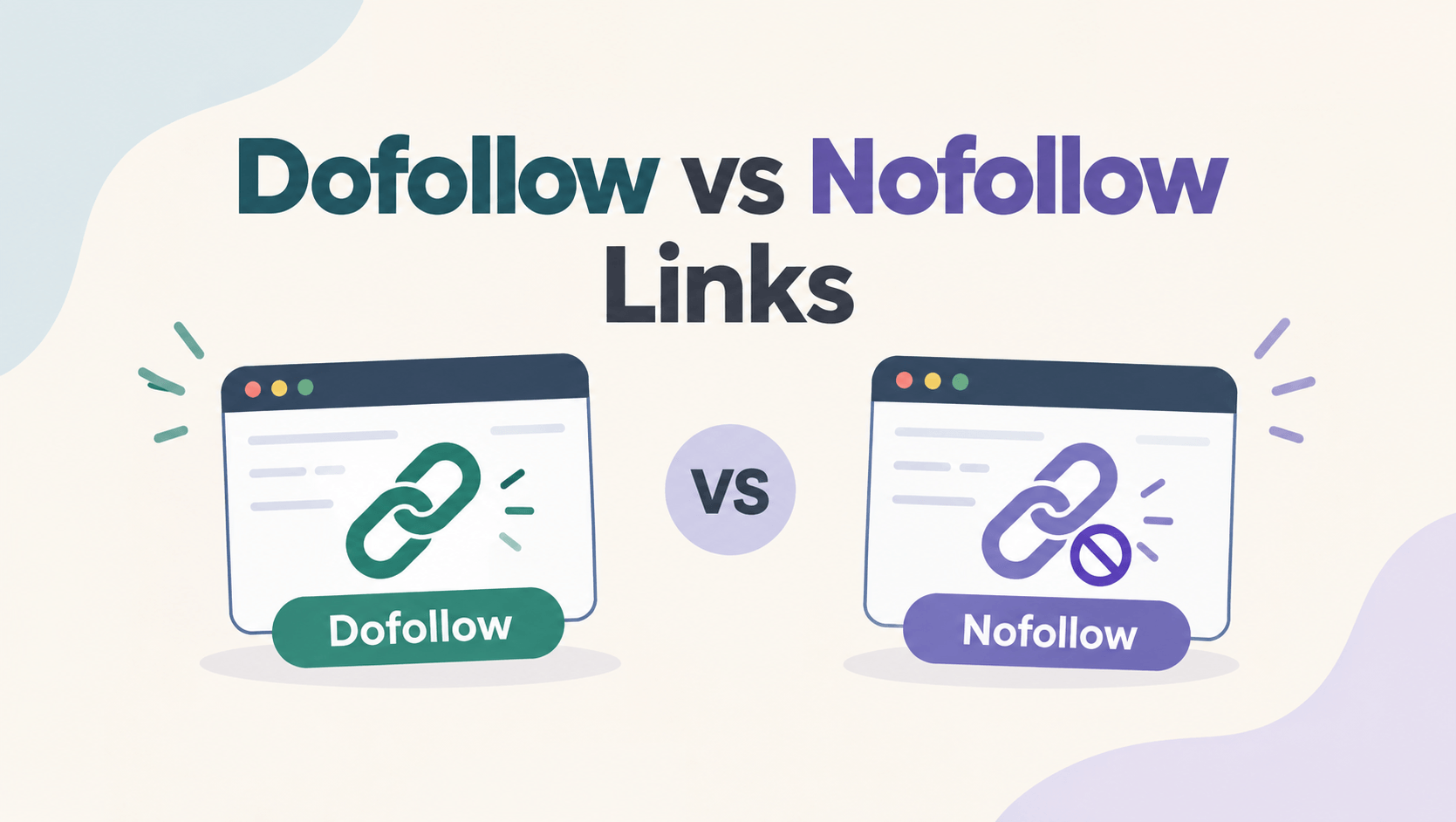
    The term dofollow link refers to a standard link that does not have any special rel attribute. Its definition goes beyond HTML, since it does not refer to any specific HTML attribute; it is defined in the SEO community.

    For example:

    <a href=”https://example.com”>Visit Example</a>

    Because there is no rel=”nofollow” or other qualifying attribute, this is considered a regular or “dofollow” link.

    Receiving a link from another site indicates that someone has recognized your website as useful. Thus, links help Google learn more about different relationships between web pages.

    Also Read: What Is Link Building in SEO

    Benefits of Dofollow Links

    Dofollow backlinks can provide several SEO and marketing benefits:

    • Potential ranking signals: Regular editorial links can contribute to Google’s ranking systems.
    • Authority and credibility: A relevant link from a reputable website can strengthen your site’s perceived authority.
    • Referral traffic: Visitors can click the link and discover your website.
    • Faster discovery: Links can help search engines discover content.
    • Brand exposure: Being mentioned on relevant websites can increase awareness of your brand.

    However, having a backlink doesn’t automatically equate to better ranking. The quality, relevance, context, and general link profile of the link itself play a crucial role.

    What Is a Nofollow Link?

    A nofollow link uses the rel=”nofollow” attribute:

    <a href=”https://example.com” rel=”nofollow”>Visit Example</a>

    According to Google, it is best to use nofollow when you want to link to a website, but do not want to make it seem as if you are providing an endorsement. 

    For example, you can use nofollow when linking to websites you do not trust completely or when the relationship does not match Google’s other linking categories. 

    It is crucial to highlight that nofollow does not mean the link will not be noticed by Google, because the nofollow tag has been a suggestion and not a command since 2019.

    Dofollow vs Nofollow: Key Differences

    FactorDofollowNofollow
    HTML attributeNo special attributerel=”nofollow”
    Can be used as a ranking signalYesGoogle treats it as a hint
    Can drive referral trafficYesYes
    Helps users discover contentYesYes
    Usually used forEditorial linksUnendorsed or untrusted links
    Guarantees ranking improvementNoNo

    The biggest misconception is that a nofollow link is completely useless. It can still bring referral traffic, brand visibility, exposure, and potential secondary SEO benefits.

    Are Dofollow Links Better Than Nofollow Links?

    In case you aim to create backlinks for the purpose of SEO, dofollow links gained naturally can be important. However, this does not suggest that you should limit your backlinks to dofollow links only. 

    A naturally made backlink profile consists of various kinds of backlinks. For instance, a website may get backlinks from blogs, nofollow backlinks from social media, user-generated links, and links from paid media.

    Instead of focusing only on whether a link is dofollow or nofollow, consider:

    • Is the website relevant to your industry?
    • Is the page trustworthy?
    • Does the website receive real traffic?
    • Is the link placed naturally within useful content?
    • Can the link send relevant referral traffic?
    • Was the link earned naturally?

    A relevant nofollow link obtained from a well-known website can bring even more benefits to your business than a dofollow link coming from a low-quality irrelevant site.

    When Should You Use Nofollow Links?

    Nofollow should be applied whenever no other link attributes fit and it is beneficial to avoid associating your website with the page that is being linked to. 

    For instance, if the website is publishing a post covering a non-credible source, the publishing site may want to include a reference to that source without endorsing it. 

    The approach that involves using a nofollow link will be suitable. However, this does not mean that one should apply nofollow tags to all external links. Normal, editorial links to credible resources do not require nofollow.

    Do Nofollow Links Help With SEO?

    Yes, but not necessarily in the traditional “link equity” sense.

    A nofollow link can still:

    • Bring visitors to your website
    • Increase brand awareness
    • Generate potential leads
    • Help people discover your content
    • Create opportunities for future mentions and backlinks
    • Contribute to a diverse backlink profile

    Google’s current documentation makes clear that nofollow is a hint and that links carrying these attributes may still be discovered or evaluated in Google’s systems.

    Therefore, it is a mistake to evaluate every backlink solely by its dofollow or nofollow status.

    How Should You Build Backlinks?

    Instead of merely chasing dofollow backlinks, it’s wise to prioritize excellence and relevance.

    Produce worthwhile content that other websites will want to cite. Build up basic relationships and connect to relevant publications, offering them professional insight and valuable resources, and ultimately getting mentioned by respected industry publications.

    Avoid creating or buying links that are created for manipulative purposes according to search engine rankings. Google sees links manufactured mainly for ranking purposes as spam content.

    Final Thoughts

    Although the distinction between dofollow and nofollow links is critical, the difference between the two should not be the only consideration of your SEO plan.

    Regular editorial links can help you convey important signals for rankings, while nofollow links can retain the potential of generating traffic, online visibility, and various kinds of business. Sponsored and user-generated links should be distinguished as rel=”sponsored” and rel=”ugc” accordingly

    Instead of asking, “Is this backlink dofollow?”, ask a bigger question:

    “Is this a relevant, trustworthy link that provides genuine value to users?”

    That mindset will help you build a stronger and more sustainable link profile over time.

  • YouTube Se Kamai: Kis Desh Me YouTubers Sabse Zyada Kamate Hain? (Country-wise Breakdown)

    YouTube Se Kamai: Kis Desh Me YouTubers Sabse Zyada Kamate Hain? (Country-wise Breakdown)

    Kya aapne kabhi socha hai ki agar do alag-alag deshon ke YouTubers ke videos par barabar 1 Million (10 Lakh) Views aayein, toh kya dono ki kamai barabar hogi?

    Jawab hai: Bilkul nahi!

    YouTube par kamai sirf is baat par depend nahi karti ki aapke views kitne hain, balki is baat par depend karti hai ki aapke views kis country se aa rahe hain. YouTube ki language me ise RPM (Revenue Per Mille) aur CPM (Cost Per Mille) kaha jata hai, yaani har 1,000 views par milne wala paisa.

    Chaliye aaj ke is blog me poori duniya ka data asaan shabdon me samajhte hain.

    Yeh Khel Kaise Chalta Hai? (CPM vs RPM)

    • CPM (Cost Per Mille): Yeh woh paisa hai jo advertisers (brands) YouTube ko 1,000 ad impressions ke liye dete hain.
    • RPM (Revenue Per Mille): Yeh woh actual paisa hai jo YouTube apna 45% cut rakhne ke baad aapko (creator ko) deta hai.

    Jis country me logon ki purchasing power (khareedne ki shamta) zyada hoti hai, wahan ke brands ads par zyada kharch karte hain. Isiliye wahan ka RPM aasman chhota hai.

    Country-wise YouTube Earnings (Per 1,000 Views / RPM)

    Duniya ke alag-alag deshon ko unke ad rates ke hisab se 3 major categories (Tiers) me baanta gaya hai:

    1. High Paying Countries (Tier 1)

    Yahan ke viewers agar aapka video dekhte hain, toh aapki kamai sabse zyada hoti hai kyunki yahan ke brands ads ke liye mota paisa dete hain.

    CountryAverage RPM (Per 1,000 Views)1 Million Views Par Kamai (Est.)
    Australia$7 – $15$7,000 – $15,000
    USA (United States)$6 – $12$6,000 – $12,000
    United Kingdom (UK)$5 – $10$5,000 – $10,000
    Canada$5 – $9$5,000 – $9,000

    2. Moderate Paying Countries (Tier 2)

    Yahan ad rates medium hote hain. Europe ke maximum deshon me isi range me kamai hoti hai.

    CountryAverage RPM (Per 1,000 Views)1 Million Views Par Kamai (Est.)
    Germany$4 – $7$4,000 – $7,000
    United Arab Emirates (UAE)$3 – $6$3,000 – $6,000
    Saudi Arabia$2 – $5$2,000 – $5,000

    3. Lower RPM Countries (Tier 3)

    Yahan population aur views bohot zyada hain, lekin ad rates (CPM/RPM) baaki deshon ke muqable kam hote hain.

    CountryAverage RPM (Per 1,000 Views)1 Million Views Par Kamai (Est.)
    India$0.50 – $3.00 (₹40 – ₹250)₹50,000 – ₹2,500,000
    Pakistan / Bangladesh$0.20 – $1.50$200 – $1,500
    Indonesia$0.30 – $2.00$300 – $2,000

    Kamai Par Asar Daalne Waale 3 Bade Factors

    Sirf country hi nahi, aapke niche aur format ka bhi bada hath hota hai:

    1. Your Content Niche: Agar aap Finance, Tech, ya Business par videos banate hain, toh aapka RPM bohot high hoga. Wahi agar aap Gaming ya Entertainment (Pranks/Vlogs) banate hain, toh RPM thoda kam hota hai.
    2. Video Length (Long-form vs Shorts): Long-form videos par ads zyada aate hain aur unka revenue split 55% creator ko milta hai. Jabki YouTube Shorts ka RPM bohot hi kam hota hai (Shorts me revenue ka sirf 45% milta hai).
    3. Audience Demographics: Agar aap India me baith kar English me content banate hain aur aapki major audience USA ya UK se hai, toh aapko USA ke rates ke mutabik hi paisa milega!

    💡 Pro Tip gia Creators: Agar aap apni YouTube earning badhana chahte hain, toh aisa content plan karein jo global audience (jaise US, UK, Canada) ko attract kare, ya fir Finance aur Tech jaise high-paying niches par focus karein.

    Aapko yeh breakdown kaisa laga? Kya aap bhi ek global channel shuru karne ki soch rahe hain? Mujhe niche comment section me zaroor batayein!

  • Local SEO for Small Businesses: A Complete Guide to Getting More Customers

    Local SEO for Small Businesses: A Complete Guide to Getting More Customers

    Introduction

    If your business serves customers in a specific city, town, or region, Local SEO can be one of the most powerful marketing strategies available. Whether you run a restaurant, salon, clinic, agency, retail store, or service-based business, appearing in local search results can help you attract more customers without spending heavily on advertising.

    When people search for services near them, Google prioritizes businesses that are relevant, trustworthy, and optimized for local searches. In this guide, we’ll explain how Local SEO works and how small businesses can use it to generate more leads and sales.


    What is Local SEO?

    Local SEO (Search Engine Optimization) is the process of improving your online presence so your business appears in local search results.

    Examples include:

    • Best digital marketing agency near me
    • Video editor in Surat
    • SEO company in Ahmedabad
    • Coffee shop near me
    • Dentist in Mumbai

    These searches have strong buying intent because users are actively looking for nearby solutions.


    Why Local SEO Matters

    Local SEO helps businesses:

    • Increase website traffic
    • Generate more phone calls
    • Get more store visits
    • Improve Google Maps visibility
    • Build trust with local customers

    Studies show that a large percentage of local searches result in a customer visiting or contacting a business within 24 hours.


    Optimize Your Google Business Profile

    Your Google Business Profile is one of the most important factors in Local SEO.

    Make sure your profile includes:

    • Business name
    • Address
    • Phone number
    • Website URL
    • Business hours
    • High-quality photos
    • Accurate business category

    Regularly updating your profile signals activity and improves visibility.


    Keep NAP Information Consistent

    NAP stands for:

    Name

    Address

    Phone Number

    Your NAP information should be identical across:

    • Website
    • Google Business Profile
    • Facebook Page
    • Local directories
    • Business listings

    Inconsistent information can confuse search engines and reduce rankings.


    Create Location-Specific Pages

    If your business serves multiple locations, create dedicated pages for each city.

    Examples:

    • SEO Services in Surat
    • Video Editing Services in Ahmedabad
    • Digital Marketing Agency in Vadodara

    Each page should contain unique content focused on that location.


    Collect Customer Reviews

    Reviews play a major role in local rankings.

    Encourage satisfied customers to leave reviews on Google.

    Best practices:

    • Ask after successful projects
    • Respond to every review
    • Thank customers publicly
    • Address concerns professionally

    Businesses with more positive reviews often rank higher in local results.


    Use Local Keywords

    Target keywords that include your city or service area.

    Examples:

    • SEO Agency Surat
    • Video Editing Services Gujarat
    • Digital Marketing Company Ahmedabad

    Include these naturally in:

    • Page titles
    • Meta descriptions
    • Headings
    • Website content

    Avoid keyword stuffing.


    Build Local Citations

    A citation is any mention of your business online.

    Popular sources include:

    • Google Business Profile
    • Justdial
    • IndiaMART
    • Yelp
    • Facebook
    • Local business directories

    More quality citations improve credibility and local relevance.


    Create Helpful Local Content

    Publishing useful local content can significantly improve rankings.

    Examples:

    • Best Marketing Strategies for Surat Businesses
    • How Small Businesses Can Grow Online in Gujarat
    • SEO Tips for Local Retail Stores

    Content helps establish authority and attract organic traffic.


    Make Your Website Mobile Friendly

    Most local searches happen on mobile devices.

    Your website should:

    • Load quickly
    • Be easy to navigate
    • Display correctly on phones
    • Have clickable phone numbers
    • Include clear contact information

    Google prioritizes mobile-friendly websites in search results.


    Track Performance

    Monitor your Local SEO efforts using:

    • Google Search Console
    • Google Analytics
    • Google Business Profile Insights

    Track:

    • Website traffic
    • Phone calls
    • Direction requests
    • Keyword rankings
    • Lead generation

    Data helps identify what’s working and what needs improvement.


    Common Local SEO Mistakes

    Avoid these mistakes:

    • Inconsistent business information
    • Duplicate listings
    • Poor-quality backlinks
    • Ignoring reviews
    • Keyword stuffing
    • Slow website speed
    • Missing contact information

    Fixing these issues can improve rankings significantly.


    Conclusion

    Local SEO is one of the most effective ways for small businesses to attract nearby customers and grow sustainably. By optimizing your Google Business Profile, collecting reviews, creating location-specific content, and maintaining consistent business information, you can improve visibility and generate more leads without relying entirely on paid advertising.

    Businesses that invest in Local SEO today will have a strong competitive advantage in their local market for years to come.