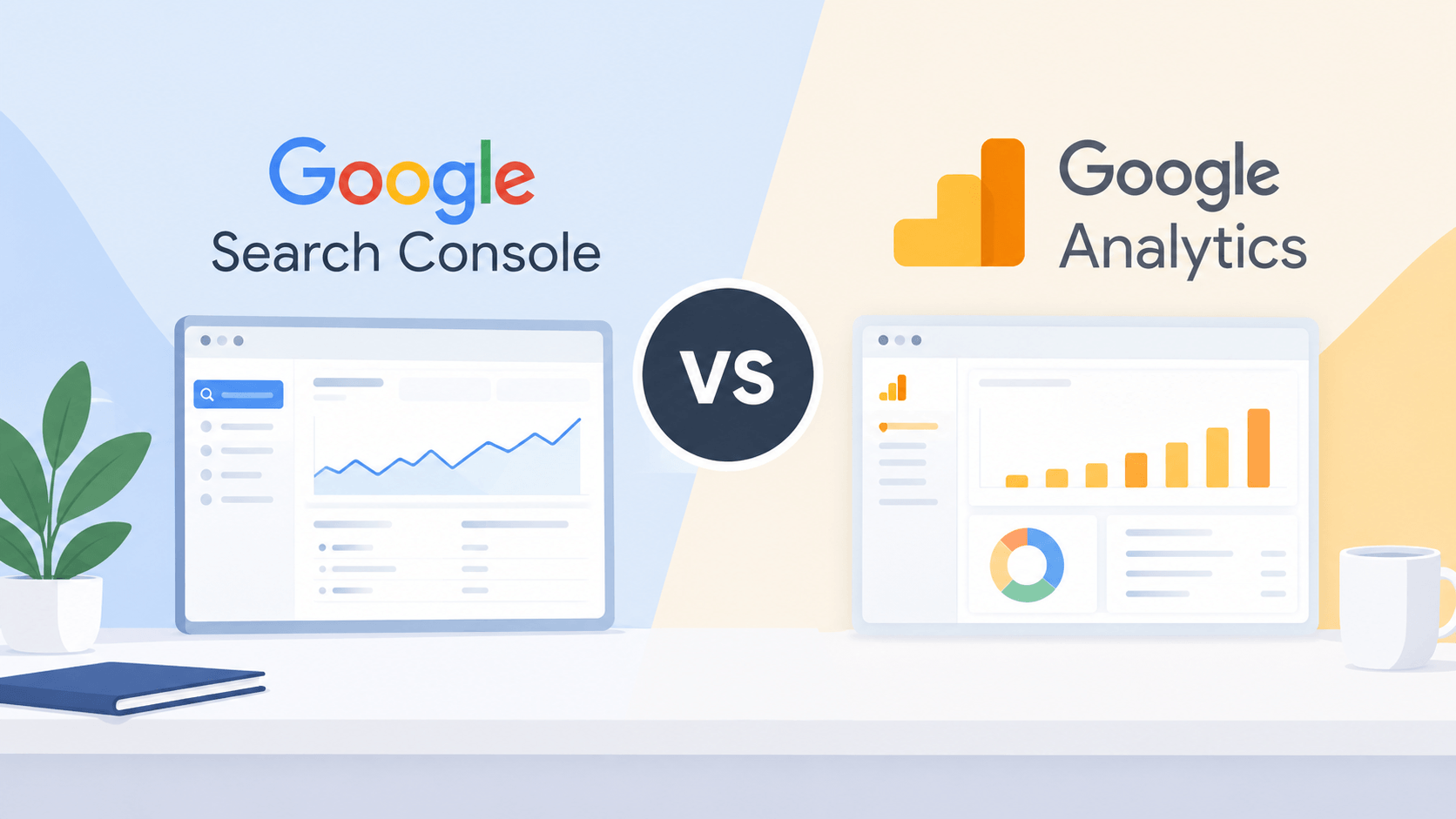
Both Google Search Console and Google Analytics serve as valuable resources for those managing their own websites as well as those in SEO and marketing jobs. Both applications do track website performance but they do it in different ways.
With the help of Google Search Console you’ll learn how well your website is performing on Google Search in terms of search queries, number of impressions, number of clicks, and possible indexing problems. Google Analytics on the other hand will help you know how the users interact with your website, including where they came from, how actively they are engaged on your site, their number of conversions, etc.
Understanding the differences between both Google Search Console and Google Analytics will aid you to develop a better SEO strategy and attract more visitors to your website.
Google Search Console vs Google Analytics: Comparison Table
| Feature | Google Search Console | Google Analytics |
| Primary purpose | Monitor Google Search performance | Analyze website traffic and user behavior |
| Main focus | Search visibility and SEO | User engagement and conversions |
| Tracks | Clicks, impressions, CTR, and average position | Users, sessions, engagement, and conversions |
| Keyword data | Provides Google Search queries | Does not provide the same detailed organic search query data |
| Indexing reports | Yes | No |
| Traffic sources | Focuses on Google Search performance | Tracks multiple traffic sources |
| User behavior | Limited information about on-site behavior | Detailed website interaction reports |
| Conversion tracking | No general website conversion reporting | Yes, through configured events and key events |
| Best for | SEO professionals and website owners | Digital marketers, analysts, and business owners |
Pros and Cons of Google Search Console
The Google Search Console is a free solution provided by Google that allows corporations to monitor, maintain, and fix their website’s position in search engine results. It enables users to determine how their website performs in searches, as well as identify whether there are any issues with its technical SEO.
Pros of Google Search Console
- Tracks SEO performance: Monitor clicks, impressions, click-through rate (CTR), and average search position.
- Provides search query data: Discover the queries that bring users to your website through Google Search.
- Identifies indexing issues: Check whether Google can index your pages and investigate indexing problems.
- Monitors Core Web Vitals: Review available reports about page experience and loading performance.
- Helps improve content: Identify pages with high impressions but low CTR to find opportunities for better titles and meta descriptions.
- Free to use: Access essential search performance and technical SEO reports without paying for the tool.
Cons of Google Search Console
- Limited user behavior data: It does not provide detailed information about what visitors do after landing on your website.
- No comprehensive conversion tracking: It cannot replace an analytics platform for measuring website conversions and business outcomes.
- Data limitations: Search query reports may omit some queries for privacy and other reporting reasons.
- Reporting delays: Search performance data is not always available in real time.
- Google Search focus: Its search performance reports primarily cover Google Search and do not provide a complete view of traffic from every search engine.
- Requires verification: You need to verify ownership or obtain appropriate access to view a website’s data.
Pros and Cons of Google Analytics
Google Analytics or rather Google Analytics 4 (GA4) is a web analytics solution useful for organizations to find out how people interact with their sites or applications. It gathers event-based information to see how users got to the site, what are traffic sources and conversions.
Pros of Google Analytics
- Tracks website traffic: Understand how many users visit your website and how they interact with it.
- Analyzes traffic sources: Compare visitors from organic search, direct traffic, social media, referrals, and paid campaigns.
- Measures user engagement: Analyze engagement time, engaged sessions, and events to understand user activity.
- Tracks conversions: Measure important actions, such as form submissions, purchases, and sign-ups, when tracking is configured.
- Provides audience insights: Explore available demographic, geographic, device, and technology information, subject to consent and data availability.
- Supports custom reports: Create explorations and reports to analyze specific aspects of website performance.
- Integrates with other tools: Connect with products such as Google Ads and BigQuery, depending on your setup and requirements.
Cons of Google Analytics
- Learning curve: GA4’s event-based reporting and reporting interface can take time for beginners to understand.
- Requires proper setup: Incorrect tracking configuration can lead to inaccurate or incomplete data.
- Limited organic keyword insights: It does not provide the same detailed Google Search query data available in Search Console.
- Privacy considerations: Data collection and reporting must be configured in accordance with applicable privacy requirements and consent choices.
- Data discrepancies: Traffic figures may differ from Search Console because the tools use different measurement methods, attribution, and reporting rules.
- Not a technical SEO auditing tool: It does not replace Search Console for indexing reports or search-specific technical diagnostics.
Which Tool Should You Use?
When it comes to Google Search Console compared to Google Analytics, your objectives must be considered in making the selection.
Use Google Search Console in case your target is to improve organic search visibility, track keyword performance, see indexing problems, and learn more about how your pages looked in Google Search.
Use Google Analytics if your goal is to discover visitor behavior, check where your site’s visitors come from, evaluate user interaction, and track conversions.
Use the two tools together to achieve the best results because Google Search Console offers an insight into how users find your website through the Google Search engine and Google Analytics informs of what happens next.
Conclusion
While Google Search Console and Google Analytics offer different types of data, they complement each other perfectly. Essentially, Search Console is focused on tracking search metrics, while Analytics is used to monitor website visitor traffic and behavior.
For online marketers, especially SEO specialists, utilizing both platforms can result in a more complete picture of the performance of your website. By combining the information from both tools, one can find more SEO opportunities, improve user experience, and make decisions based on data in order to increase the effectiveness of the website.